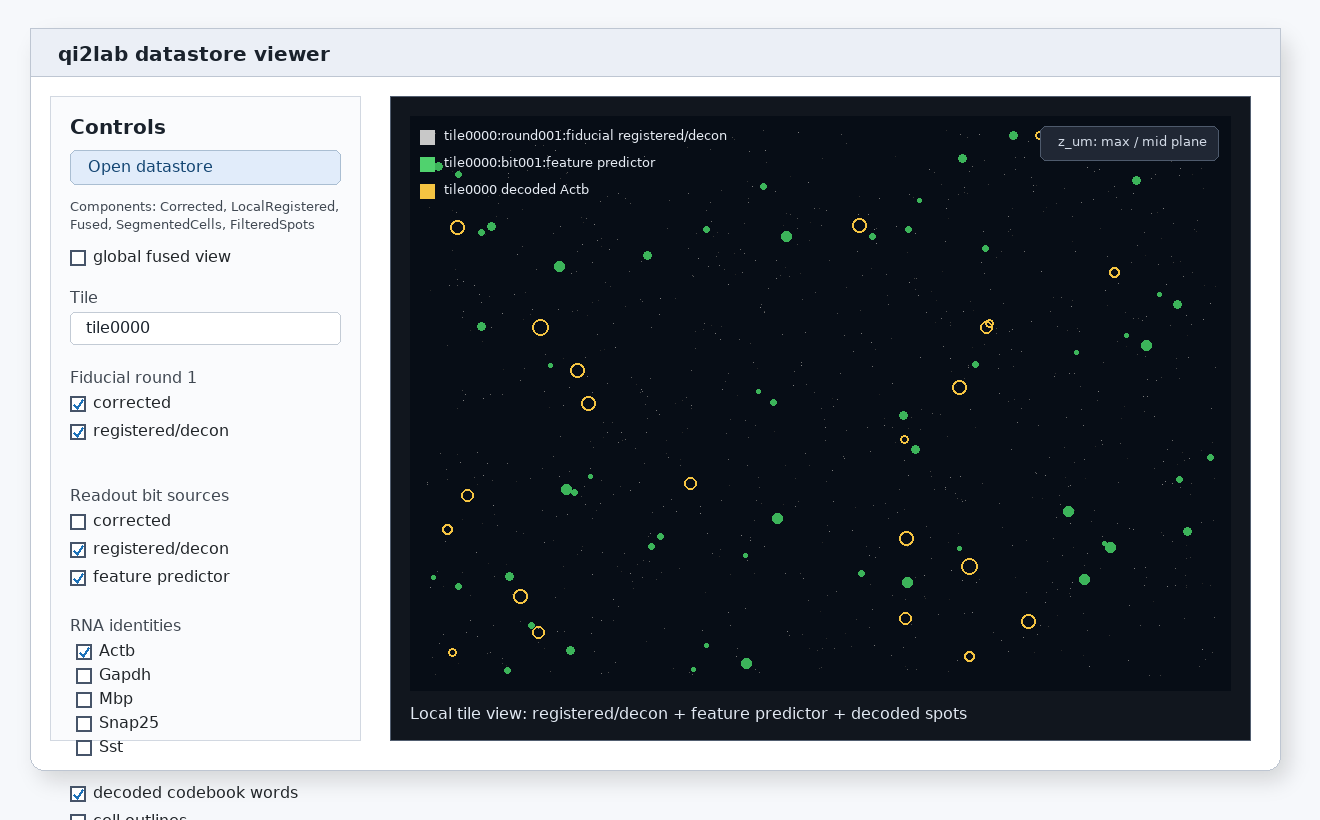
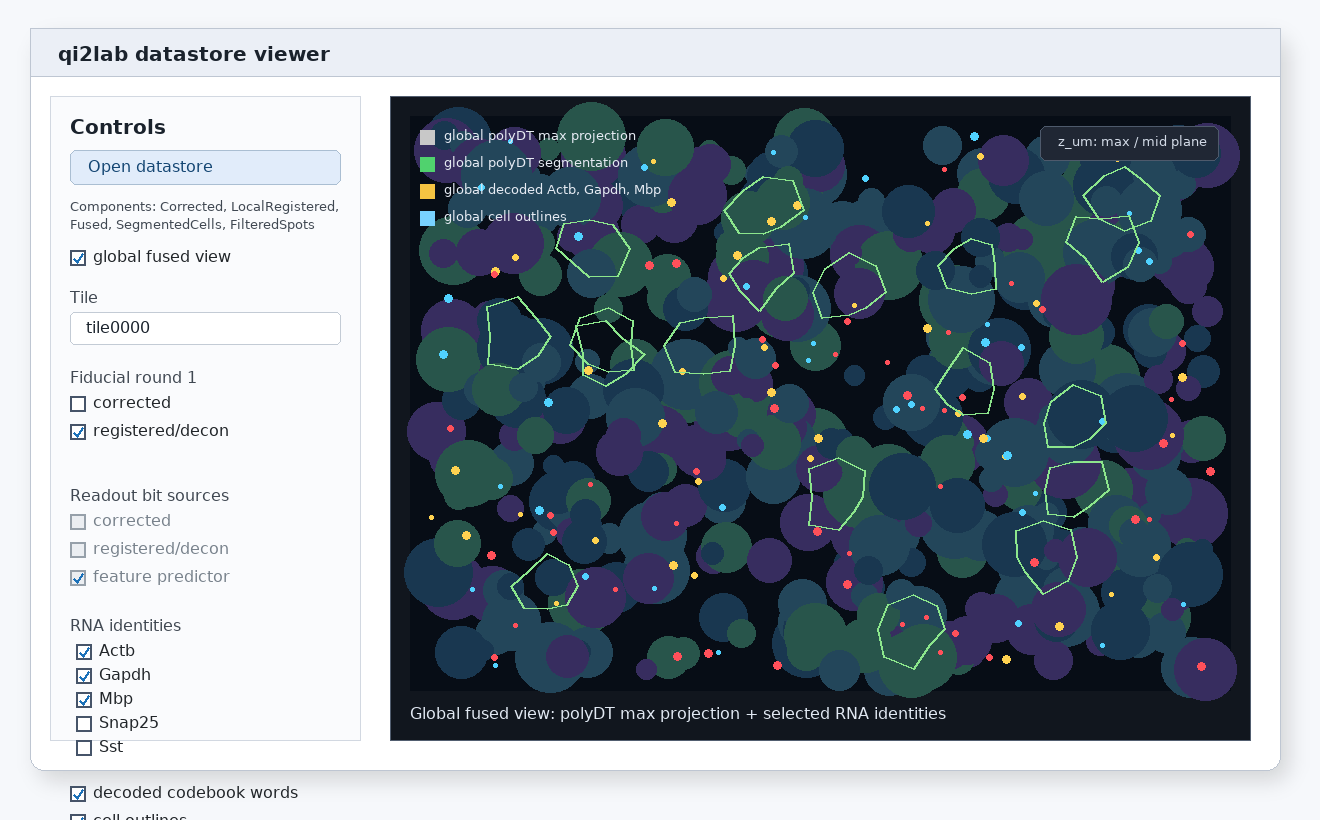
Datastore Viewer
viewer opens a read-only PyQt controller for an existing qi2labdatastore. The controller opens NDV windows for image channels and uses VisPy sparse overlays for transcript points and cell boundaries.
The standard uv sync install includes the GUI dependencies needed by the viewer.
Launch
Open an experiment root:
or open a datastore directly:
The viewer never writes to the datastore.
View Modes
The controller starts with no view mode selected. After a datastore is opened, choose one of:
Local native: inspect stored local tile images without applying registration transforms.Local warped: inspect one local tile after applying selected transform components.Global fused: inspect fused global Zarr images and global overlays.
Only controls relevant to the selected view mode are shown.
Local Native
Use local native mode to inspect the stored fiducial and readout images for a single tile. This mode does not claim channels are aligned. It is useful for checking corrected data, optional deconvolved data, and feature-predictor outputs exactly as they are stored.
After changing selected local images, click Apply to update the existing NDV window.
Local Warped
Use local warped mode to compare fiducial rounds and readout bits in the round-1 reference frame. The warp controls expose independent transform components:
- Chromatic affine
- Stage / round affine
- SOFIMA residual
The preset menu includes native, affine-only, affine plus chromatic, and full decode-equivalent chains. If a selected transform component is unavailable, the viewer skips that component, reports a warning in the controller status, and renders the available chain.
After changing selected local images or warp options, click Apply to update the existing NDV window.
Global Fused
Global fused mode opens the fused image Zarr lazily. Use Fused polyDT image when you want the image background; otherwise sparse overlays can be shown on an empty black canvas.
Transcript sources are mutually exclusive:
- Datastore transcripts from filtered decoded features
- Proseg transcripts from
proseg/3Drun folders - Baysor transcripts from
segmentation/baysor/3D/molecules.parquet
Cell boundaries can be displayed from:
- Cellpose
- Proseg refined cell boundaries
- Baysor cell boundaries from
segmentation/baysor/3D/cell_boundaries_3d.parquet
The Proseg run selector detects proseg/3D outputs, including nested run folders such as fdr.75.
Transcript Controls
Selecting a transcript source enables the transcript filter list. Use Select all or Deselect all to stage changes. Selected transcripts move to the top of the list and display the same color swatch used in the VisPy overlay. Click Apply to redraw the transcript overlay. Marker radius changes are staged the same way.
The transcript overlay refresh path updates only sparse VisPy points; it does not reload Zarr image channels.
Sparse Overlay Modes
The sparse overlay buttons control transcript points and cell boundaries:
- 2D shows the current z plane.
- Max drops transcript z coordinates and shows maximal projected cell boundaries. If the fused polyDT image is selected, it is max-projected too.
- 3D renders sparse geometry with voxel scaling from datastore metadata.
NDV remains responsible for image channels. VisPy renders all transcript and cell-boundary overlays.
Display Checklist
If a control is disabled, the corresponding datastore component was not found. Common prerequisites are:
- corrected images for local native inspection
- deconvolved images when deconvolution was run
- feature-predictor images for readout-bit probability display
- local transform metadata for local warped display
- fused global Zarr images for global fused image display
- filtered decoded features, Proseg, or Baysor outputs for transcript overlays
- Cellpose, Proseg, or Baysor outputs for cell-boundary overlays